Orova Link & QR: one place to make a QR code and know who scanned it
Anyone can make a QR code in ten seconds. But once it is printed, stuck on a table and sent out into the street, nobody knows how many people actually scanned it. These are my notes from the day I shipped Orova's newest module, and what I decided to keep free.
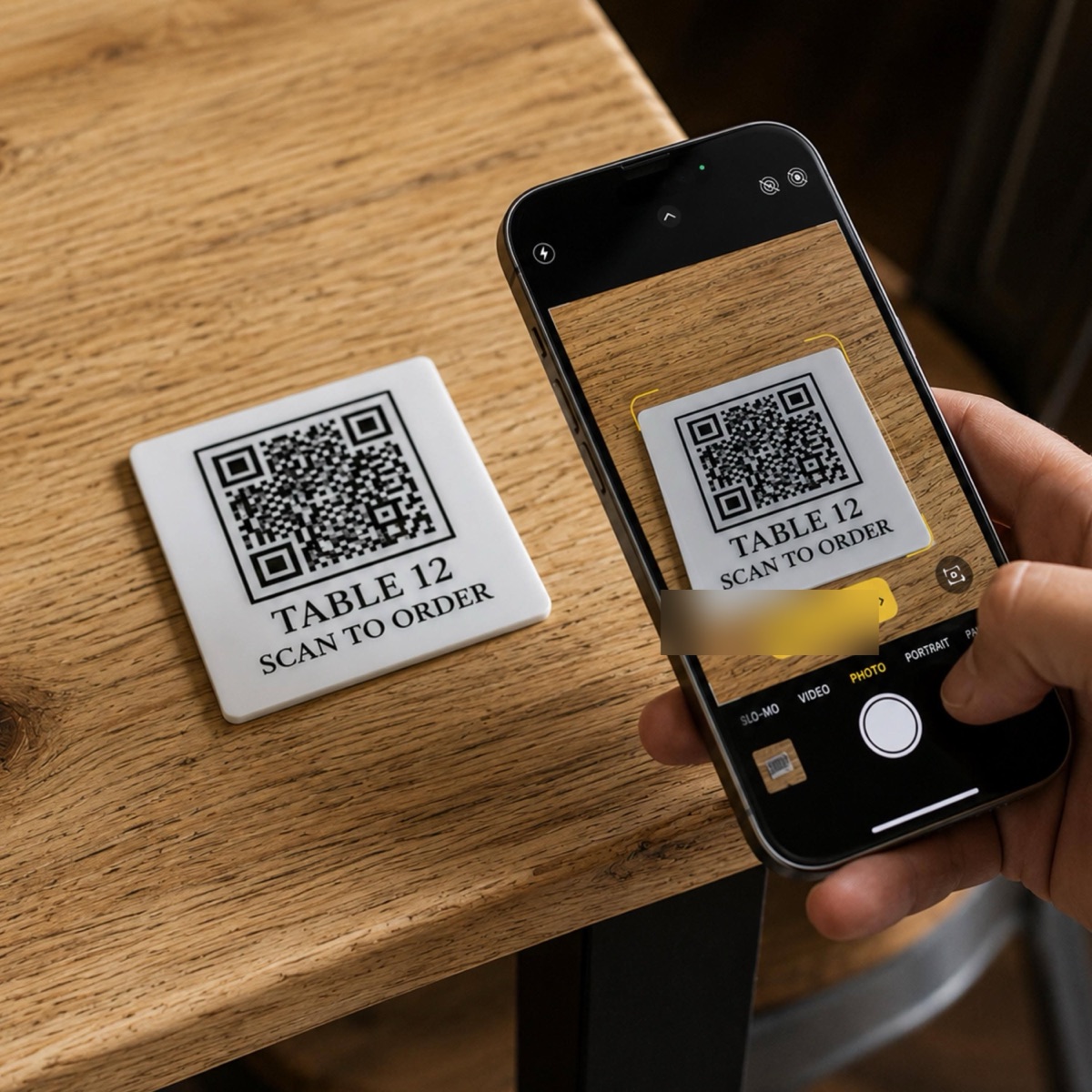
Table of contents
Once it is printed, there is no undo
A QR code is the one thing in marketing that has no undo button once it is printed.
A typo in an article gets fixed. A bad photo gets replaced. But a code printed on five thousand flyers, on packaging, on the board outside a shop, stays there forever. Change one character of the address inside it and the whole batch has to be reprinted.
I have run into this more than once. A promotion ends, the landing page comes down, and the old code is still out there on the street. People scan it and land on nothing. Nobody notices, because nobody could count the scans in the first place.
That is the annoying part. Not making the code. Going completely blind after the code is made.
Three tools for one job
The way I used to work: open a QR generator, open a link shortener, then open a spreadsheet to hand-assemble five UTM parameters without misspelling any of them.
Three places, three accounts, numbers scattered across all of them. At the end of the month, if I wanted to know whether the flyer beat the social post, I had to stitch it together by hand.
So when I started building this module for Orova, I set myself one condition: making the code, shortening the link, tagging UTM and reading the numbers all had to live in one place. If it still needed a second tab, I had built it wrong.
The part I decided to keep free
The generator sits at the top of orova.vn/vi/link. No signup, no cap on how many you make. Pick a code type, fill in the content, change the code and background colours, choose a size, download the PNG.
There are 59 ready-made code types in four groups: 28 link types, 9 file types, 9 content types and 13 payment types.
The link group covers what people reach for most: websites, Facebook, Instagram, TikTok, YouTube, LinkedIn, WhatsApp, Telegram, Zoom, Google Forms, Google Reviews. Every platform has its own address format, so I built them in rather than asking anyone to memorise them.
The content group is my favourite, because it solves very ordinary problems. A wifi code: type the network name and password, and a guest's phone connects on scan, so the shop can take the password note off the wall. A vCard code: name, job title, phone, company all wrapped in one code, and the person who scans it saves you straight into their contacts.
The payment group has VietQR for domestic bank transfers, plus twelve others for foreign customers: Thailand's PromptPay, Cambodia's KHQR, Laos' LaoQR, Malaysia's DuitNow, Singapore's PayNow, then UPI, PIX, SEPA, PayPal.Me, Alipay, WeChat Pay, Venmo and crypto.
Whatever you download from that box is a static code. Download it once, use it forever, no expiry and no quota charged, even if you never make an account. That is staying as it is.
The part that needs an account, and why
Two things I could not keep free, and I would rather say plainly why.
The first is dynamic QR. This kind of code does not hold the content; it holds a short orova.vn/l/ address. The printed image stays exactly as it is, and you change the destination in the software so every later scan goes somewhere new. When a promotion ends you point the code at another page instead of reprinting a single flyer.
The second is the short link. A product address with UTM tags on it often runs past a hundred characters: printed it breaks across two lines, sent in a message it gets truncated. Orova turns it into a seven-character line and counts every click on it.
Both of those have to live on a server to work at all. The server is what does the redirect, and what records each scan by day, by device, by country, by referral source. Anything that lives on a server costs money every month to run. So it is tied to an account.
The nice part is that a short link and a QR code pointing at the same destination report into the same table. Online people tap the link, offline people scan the code, and you still end up with one number to compare.
Why I charge for usage instead of locking features
This is something I have kept across every Orova module: no feature is locked behind a plan.
I hate the feeling of opening a piece of software, finding the exact button I need, clicking it and getting a pricing table. So every plan here has the full feature set open, and they differ only in how much you can use.
The concrete numbers: each short link or dynamic QR costs 100 quota for a month of running time. Signing up gives you 1,000 quota, which is ten links running for a full first month, with no bank card. While a code has quota it stays alive; when the quota runs out the code pauses until you top it up.
I like this because it is honest. Use a lot, pay a lot. Use a little, pay almost nothing. And never upgrade a plan just to unlock one button.
What I still think about after shipping
This was not the hardest thing I have built. But it is the thing I checked and rechecked most, because a QR code never gets a second chance. One broken code turns a whole print run into waste paper.
What I wanted out of it was not compliments on how the tool looks. It was some shop owner sticking a code on a table, changing the menu three times in a month, and the code on the table never moving.
Try it here, no signup needed: orova.vn/vi/link.
Frequently asked questions about Orova Link & QR
Is making a QR code on Orova free?
The generator at the top of the page is free and needs no signup. Pick a code type, fill in the content, change the colours, choose a size and download the PNG.
There is no cap on how many you make. What you download is a static code, so it works forever, never expires and costs no quota.
How is a dynamic QR different from a static one?
A static code holds the content itself, so once printed it is fixed forever and scans cannot be counted.
A dynamic code holds a short orova.vn/l/ address instead, so you can change the destination at any time without reprinting, and every scan is recorded.
Why does the link shortener need an account?
A short link has to live on a server to redirect and to store the stats for every click. That costs storage and monthly running cost, so I tied it to an account.
Signing up gives you 1,000 quota, and each link costs 100 quota per month of running time — ten links for the first month, with no bank card needed.
What numbers can I see?
Clicks and scans by day, split by device, by country and by referral source.
If a short link and a QR code point at the same destination, both sets of numbers land in the same table.